STL MESH INSPECTION AND REPAIR SOFTWARE
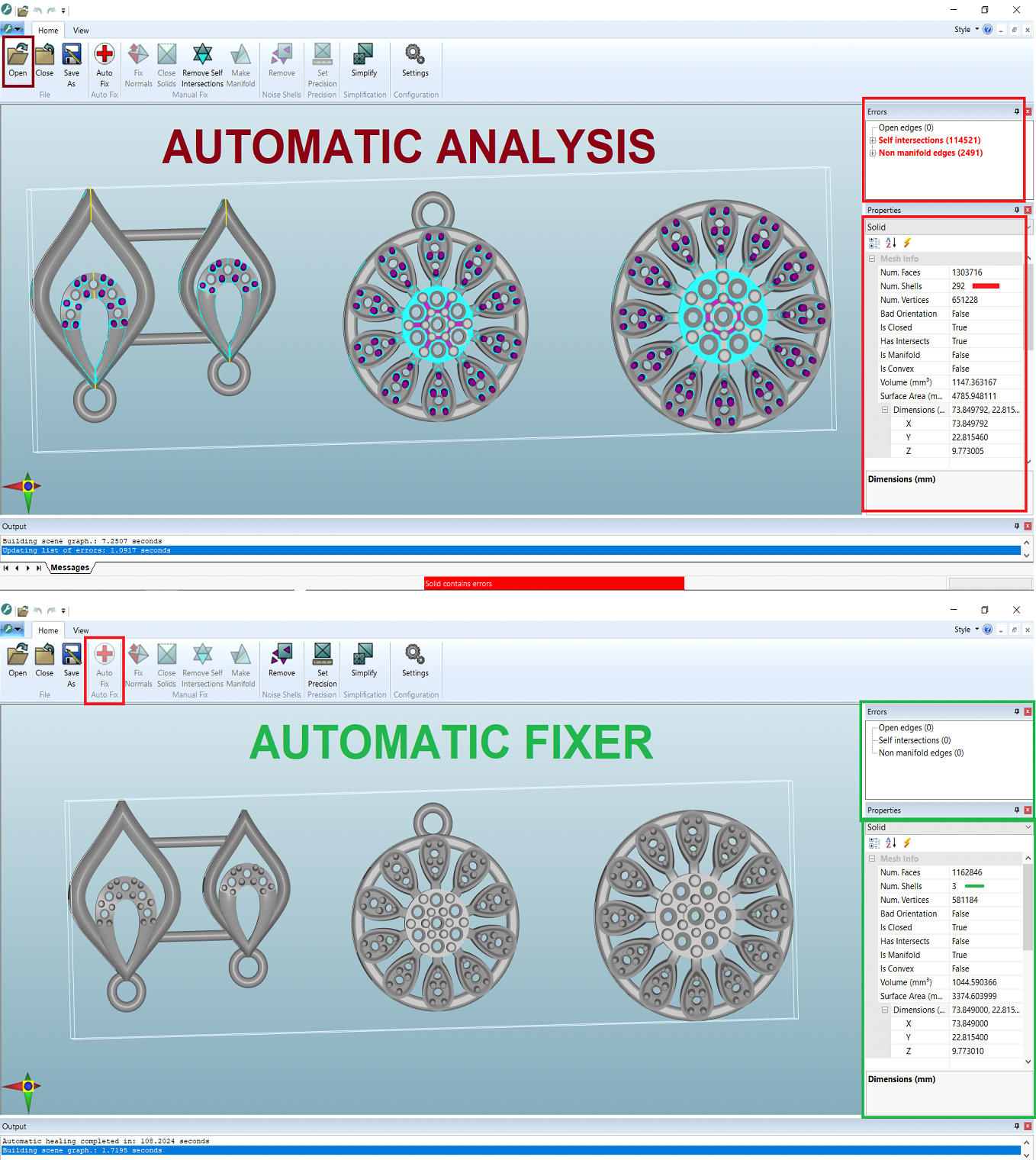
STL-FIX - Automatically identifies and repairs defects in STL files.
AUTOFIX - One Click Auto fix function to automatically fix all the errors in a model.
CLOSE SOLIDS - Get the best surface profile by choosing from a range of hole closing algorithms - including fan, planar, minimum area and smooth.
AUTOMATIC MERGING OF SOLIDS - All intersecting or overlapping solids are automatically merged together to create a single, shrink-wrapped object that is ready for printing.
FIX ORIENTATION - Polygons in a 3D mesh should be ordered in an anticlockwise sense as viewed from the outside of the solid.
STL:FIX will systematically identify and fix polygons in a mesh that are incorrectly oriented.
REMOVE INTERSECTS - STL:FIX checks if a objects are self-intersecting and fixes them if they are, while ensuring that the final geometry is as close as possible to the original.
REMOVE NOISE SHELLS - Solids can contain small shells as well as the intended geometry. These are errors, and sometimes they are an artefact of the software used to create the solid. STL:FIX identifies these shells and removes them from the model.
MAKE MANIFOLD - Many tools that deal with STL files require a manifold mesh in order for their algorithms to work correctly.
STL:FIX will query whether a mesh is manifold and, if it isn’t, mend it.
MESH SIZE REDUCTION - Often models contain many more polygons than they need to. This can make the file harder to manipulate than it needs to be and can stop it printing properly. STL:FIX cuts the number of polygons in a solid, while making sure it still looks right and has accurate geometry.